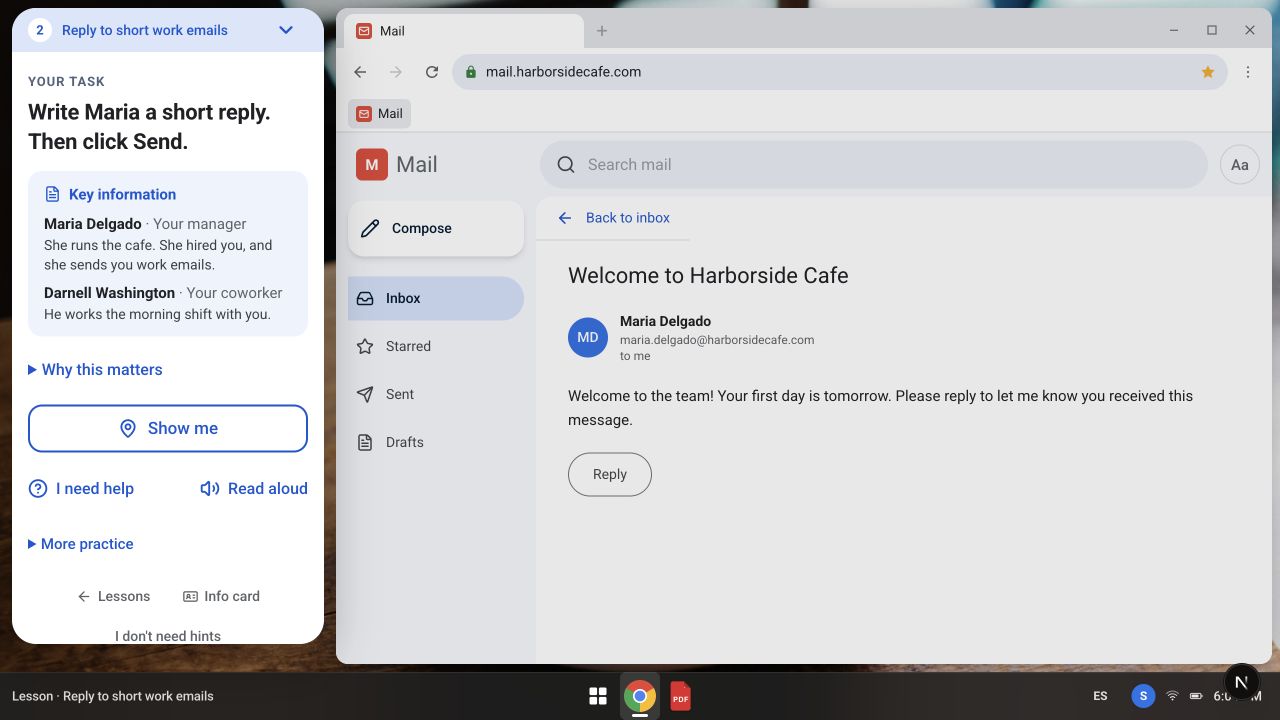
“Use the computer” contains a lot of hidden steps.
Replying to a supervisor’s email takes more than vocabulary. Someone has to recognize the inbox, open the right message, interpret the request, find Reply, and know whether the message was sent. A familiar task for one person can be a whole sequence of unfamiliar decisions for another.
I wanted a place to rehearse those decisions with fictional people and information. A mistake in practice should be a chance to learn, without sending a real message or changing a real record.
Practice the situation, as well as the button.
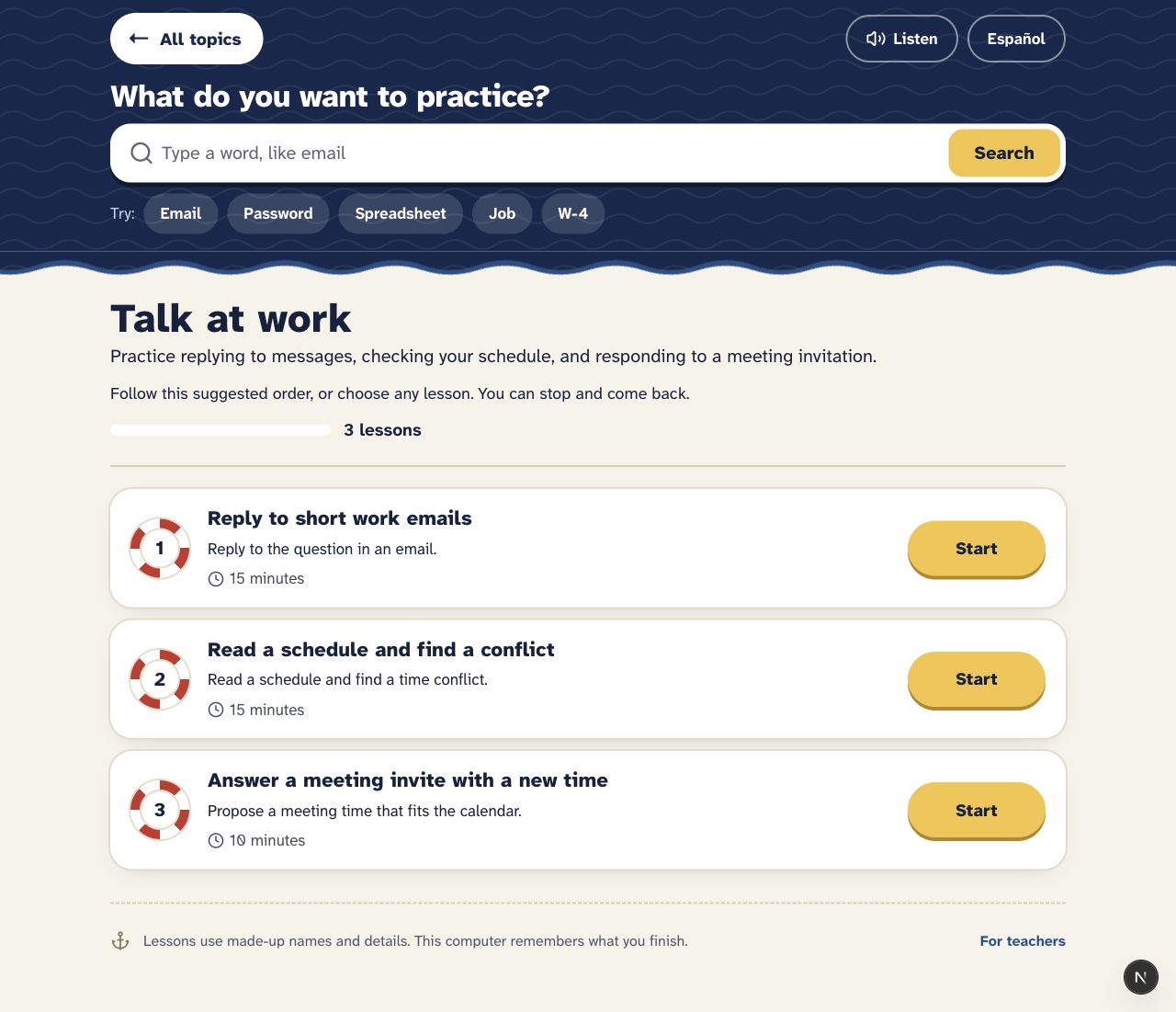
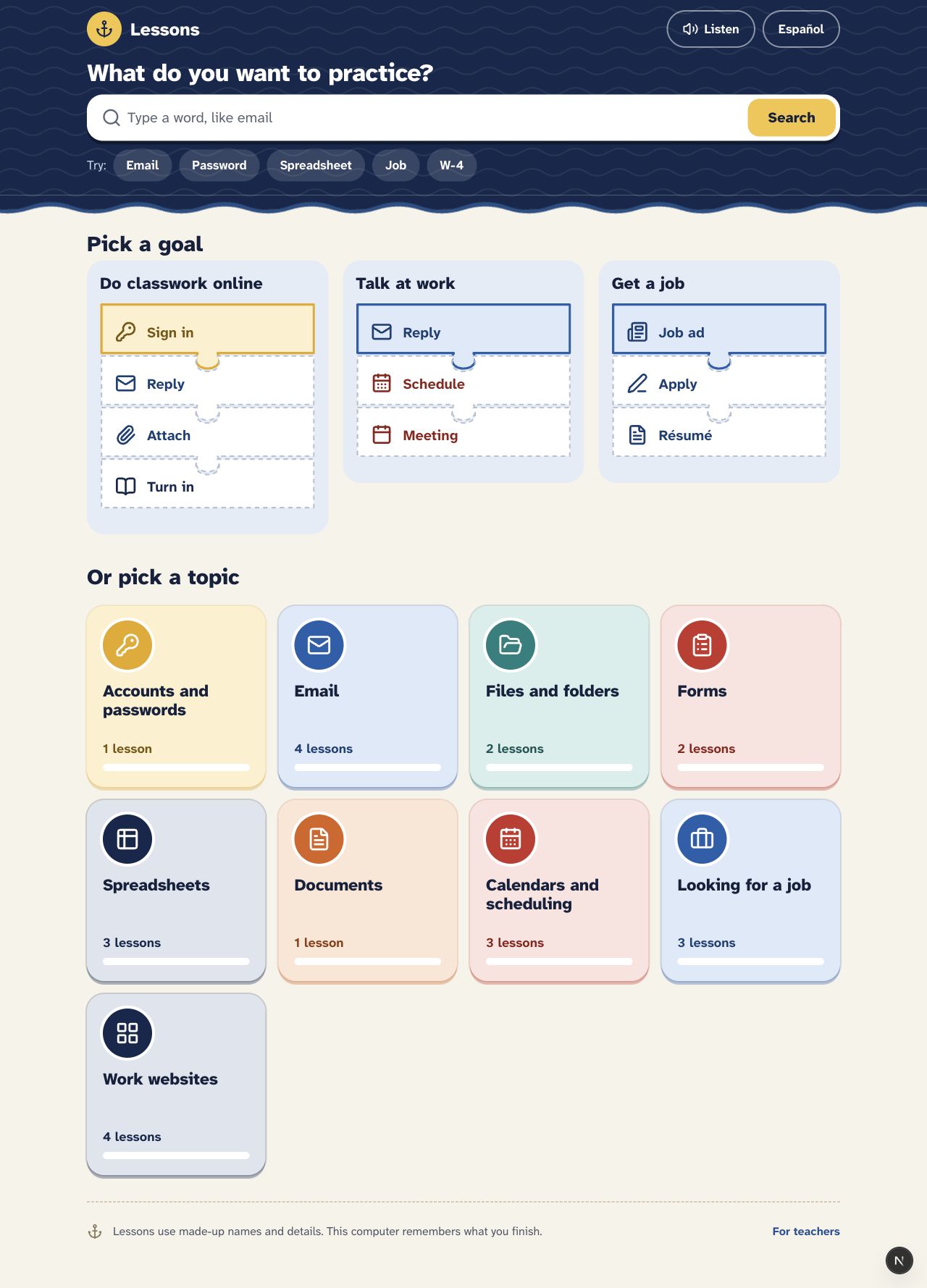
The simulator is a computer workspace with a browser, tabs, a file reader, and a bottom shelf. Activities use recognizable workplace situations: answering short emails, checking schedules, working with files, reading information, and entering data.
Teachers can use individual lessons without an account. Story mode connects tasks across a longer experience, with directions that include office work, healthcare front-desk situations, and college preparation.
One instruction voice.
An earlier version had six competing instruction surfaces. For someone learning the interface, that meant also deciding which voice to follow. I brought the guidance into the Job Card: the task shows what’s happening, and the card says what the learner needs to know.
The card keeps key information nearby and offers help, read-aloud, and a “Show me” action. English and Spanish copy run through the whole learner experience.
Wrong actions lead to a short correction and another attempt, and each level holds a limited number of tasks. Pacing and recovery are part of the structure, not an afterthought.
A finished task should mean something specific.
The implementation connects scenario writing, interface behavior, progress, and feedback. Checks cover content wiring in both languages, the next step after a task, and the rules that judge an answer. An incorrect rejection can stop a learner who has no way to argue with the software.
Individual lessons and story mode share task components, so improving a task improves both. Saved writing and summaries let learners revisit what they practiced, and failed saves need a recoverable path.
This still needs testing with learners. Completing a simulation shows someone completed that scenario; it doesn’t establish workplace readiness. Watching where people hesitate, what help they need, and what transfers to other tools is the next stage.
how it’s built
- app
- Next.js, React, TypeScript
- data
- PostgreSQL
- shared
- one desktop and task system for guest lessons and signed-in story progress
- tests
- bilingual content, task progression, grading, key browser flows