Support can exist and still be hard to reach.
For a student looking for housing support, job training, or English classes, the first obstacle can be figuring out where to start. An organization’s name alone doesn’t explain what it offers, who to call, or what to do next.
School communication had its own version of that problem. Announcements were spread across separate classrooms and channels, and advisors repeated the same information. I wanted a shared place where a student could find an opportunity and an advisor could keep it current.
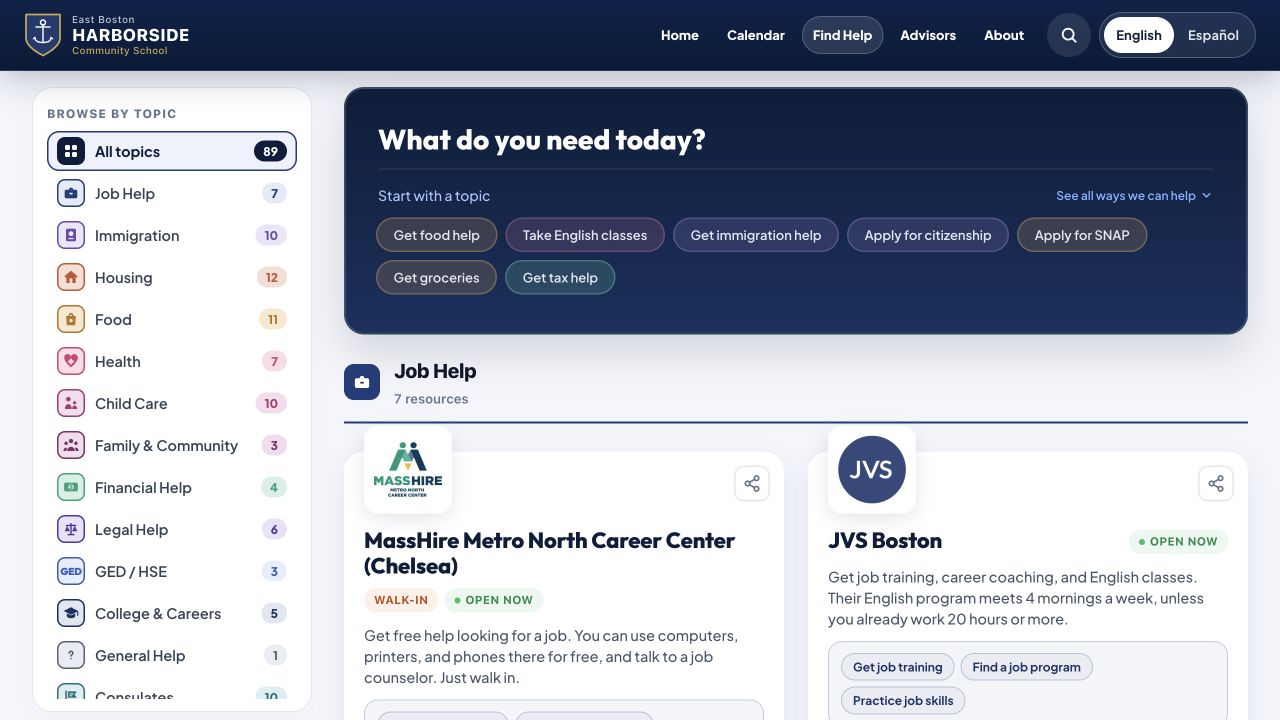
Start with what someone needs today.
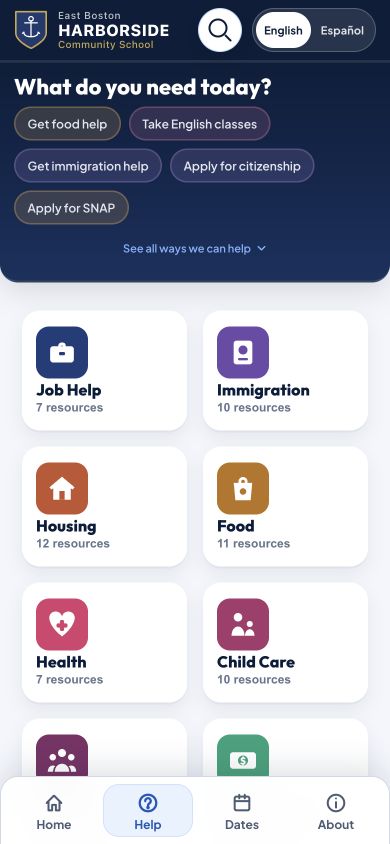
The Find Help directory is organized around recognizable topics and actions. Someone can browse food, housing, health, immigration, or job help, then move toward a concrete next step. Navigation and labels are in English and Spanish.
Resource entries put descriptions together with practical details: contact information, location, and hours when available. Buttons lead straight to a website, directions, a phone call, a form, or a document. The design work is in connecting information to an action.
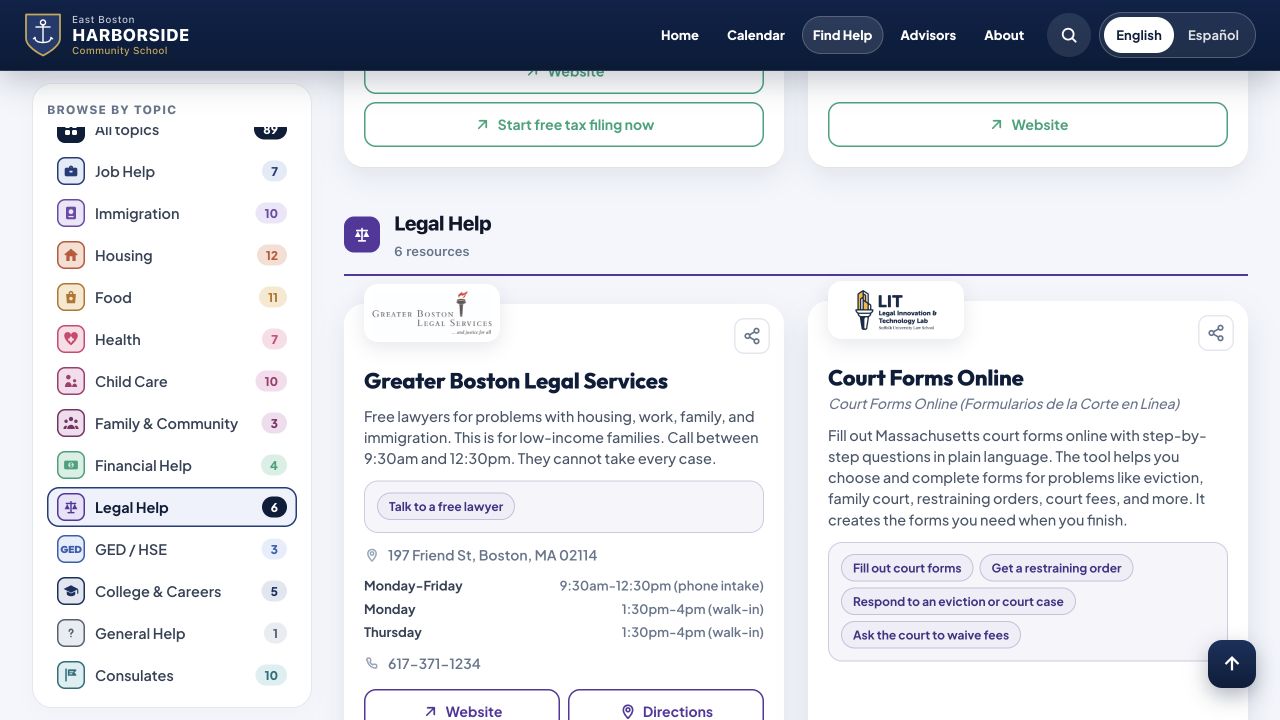
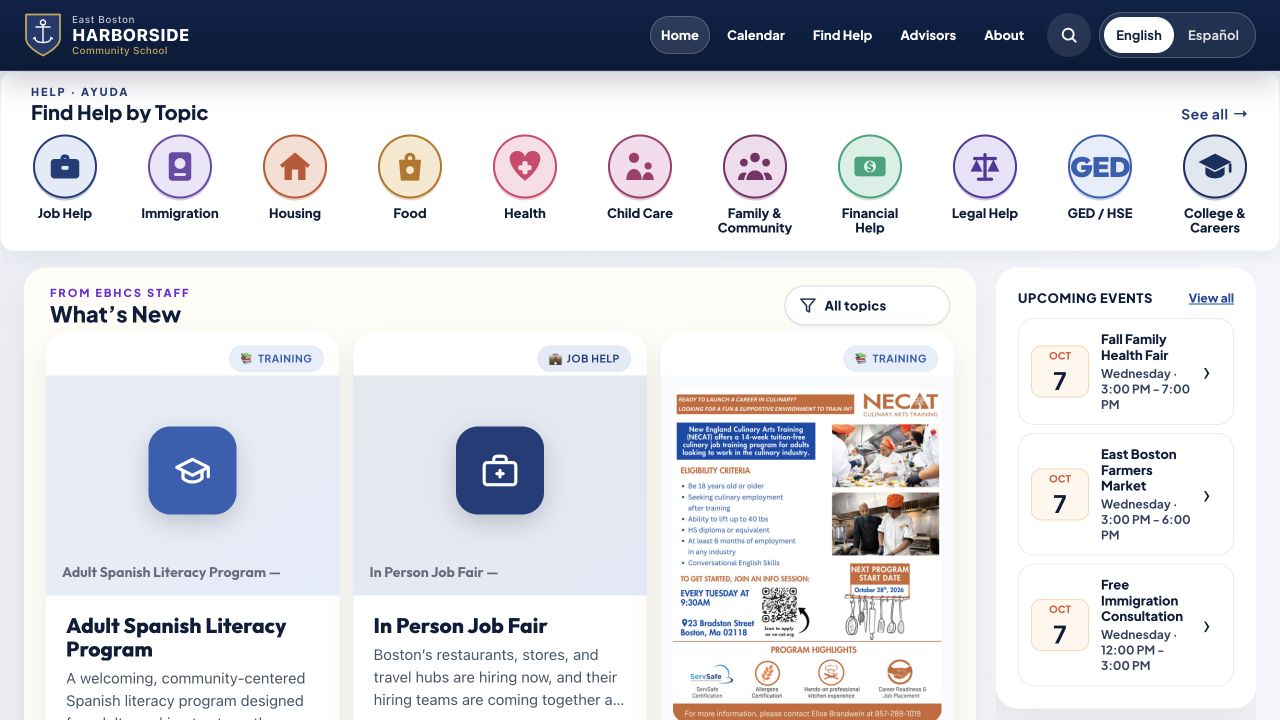
Bulletins, calendar events, and advisor contacts share the same site. Students move between an announcement, an upcoming event, and ongoing support without learning a different interface for each.
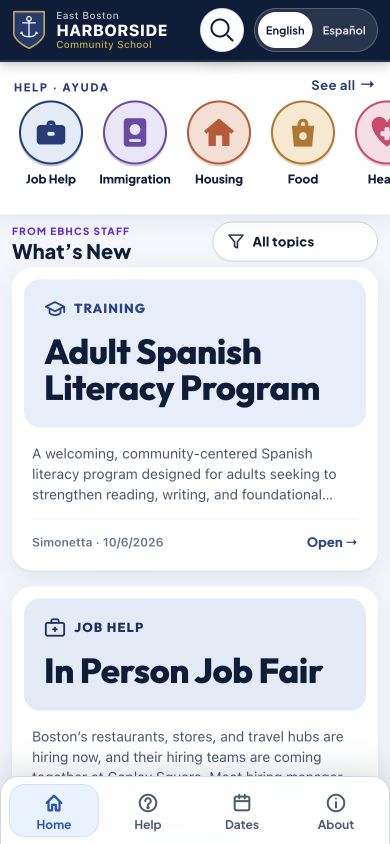
Support within reach on a phone.
Students mostly use phones, so mobile was the starting point. These are the public production board at phone size.
The publishing experience affects the quality of help.
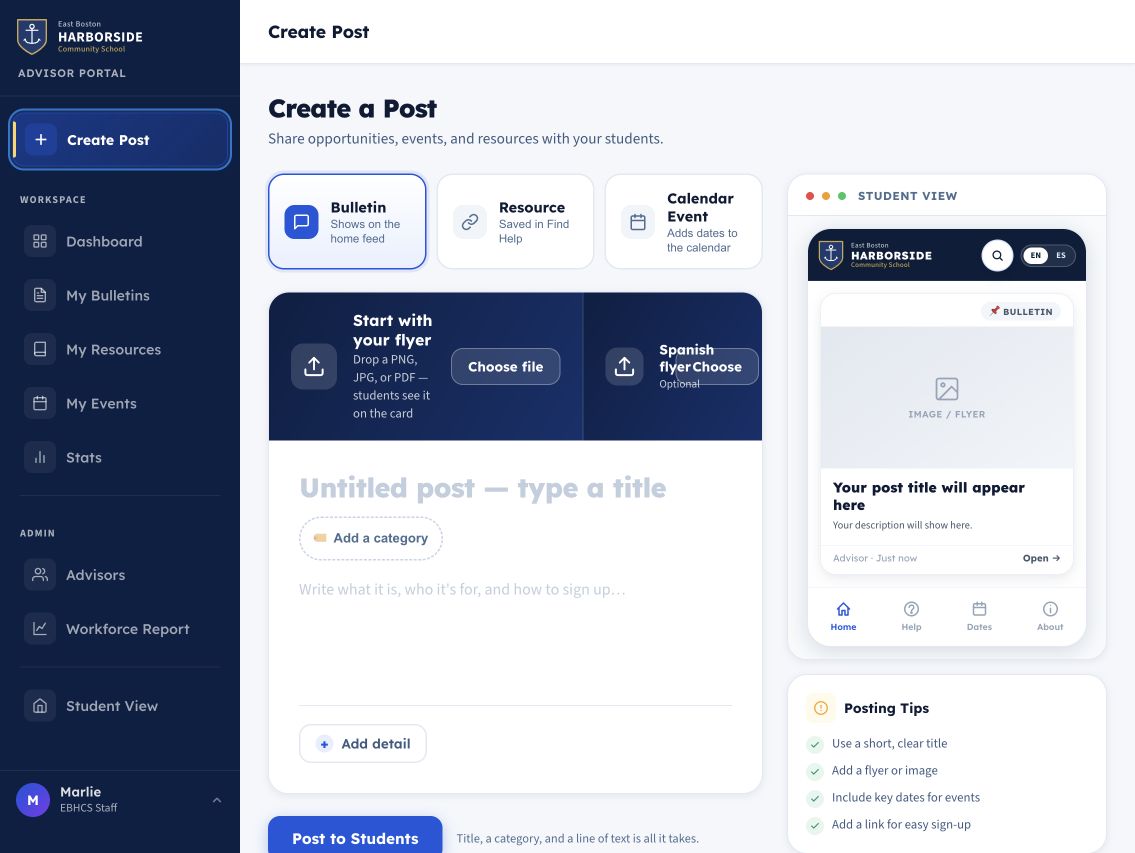
There are separate publishing paths for bulletins, ongoing resources, and calendar events. Advisors start with the essentials, then add what matters: Spanish text, dates, contact information, an audience, or extra links and PDFs.
One bulletin can hold multiple sessions, so a program that meets repeatedly doesn’t need a new announcement for every date. A preview shows the advisor exactly what a student will see. Posts expire so old opportunities don’t crowd out current ones.
Shared editing lets the advisor team maintain content together. School Google sign-in and an advisor roster control who can publish.
Helping advisors keep the path to support open.
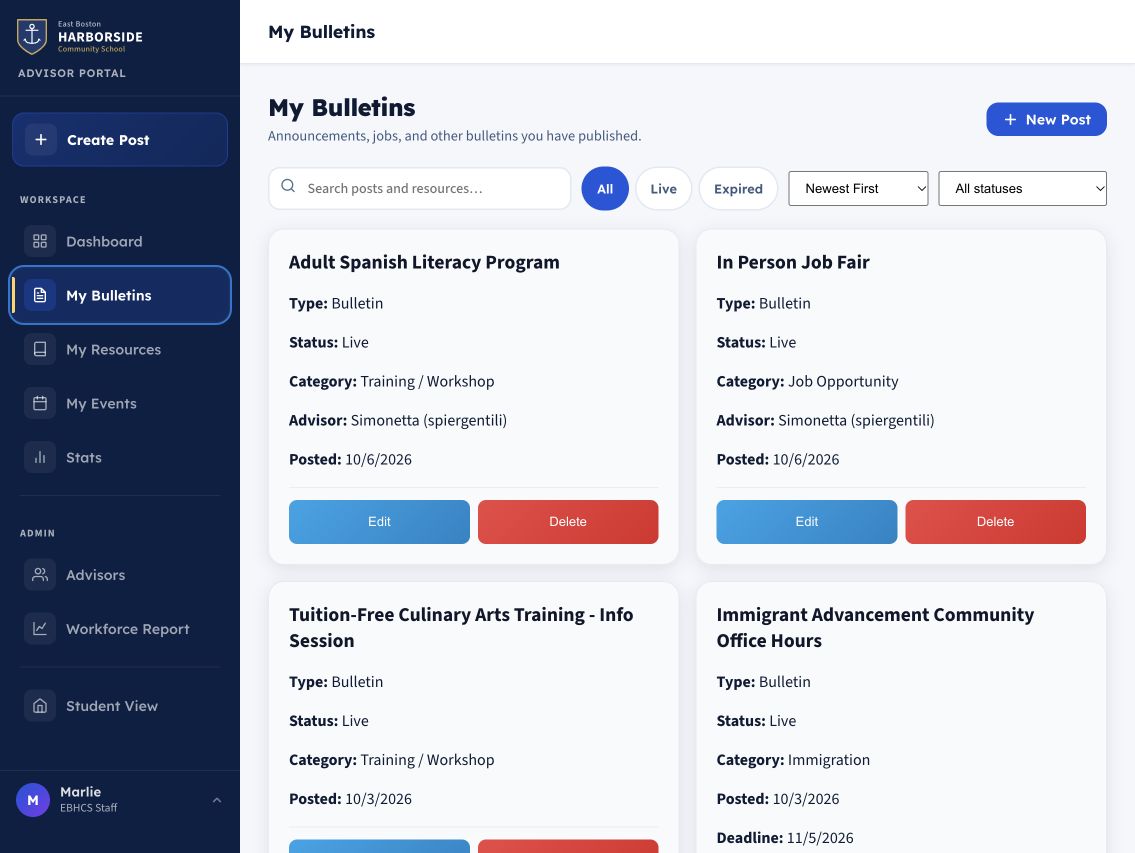
The portal brings that work together: an overview of content, a guided composer, and separate places to maintain bulletins, resources, and events. Captured from production after sign-in; nothing was created, edited, or deleted.
A useful system needs people who can maintain it.
The work goes beyond the public screen. I wrote posting guidance, director handover notes, and a succession checklist so day-to-day upkeep and ownership changes have a path. Administrators manage the advisor roster through the portal.
Checks cover content, resource links, permissions, and mobile behavior. They don’t remove the need to review information, but they make review part of the work rather than something to remember after launch.
how it’s built
- site
- HTML, CSS, JavaScript with Vite
- backend
- Firebase: authentication and shared content
- access
- school Google sign-in, advisor roster
- tests
- browser tests, permission-rule tests
- docs
- publishing guide, handover notes, succession checklist